Apple Home Key vs. UniFi Touch Pass: A Deep Technical Breakdown of How Your Phone Unlocks Doors
Your phone is becoming your house key, car key, and much more, but not all keys are built the same.
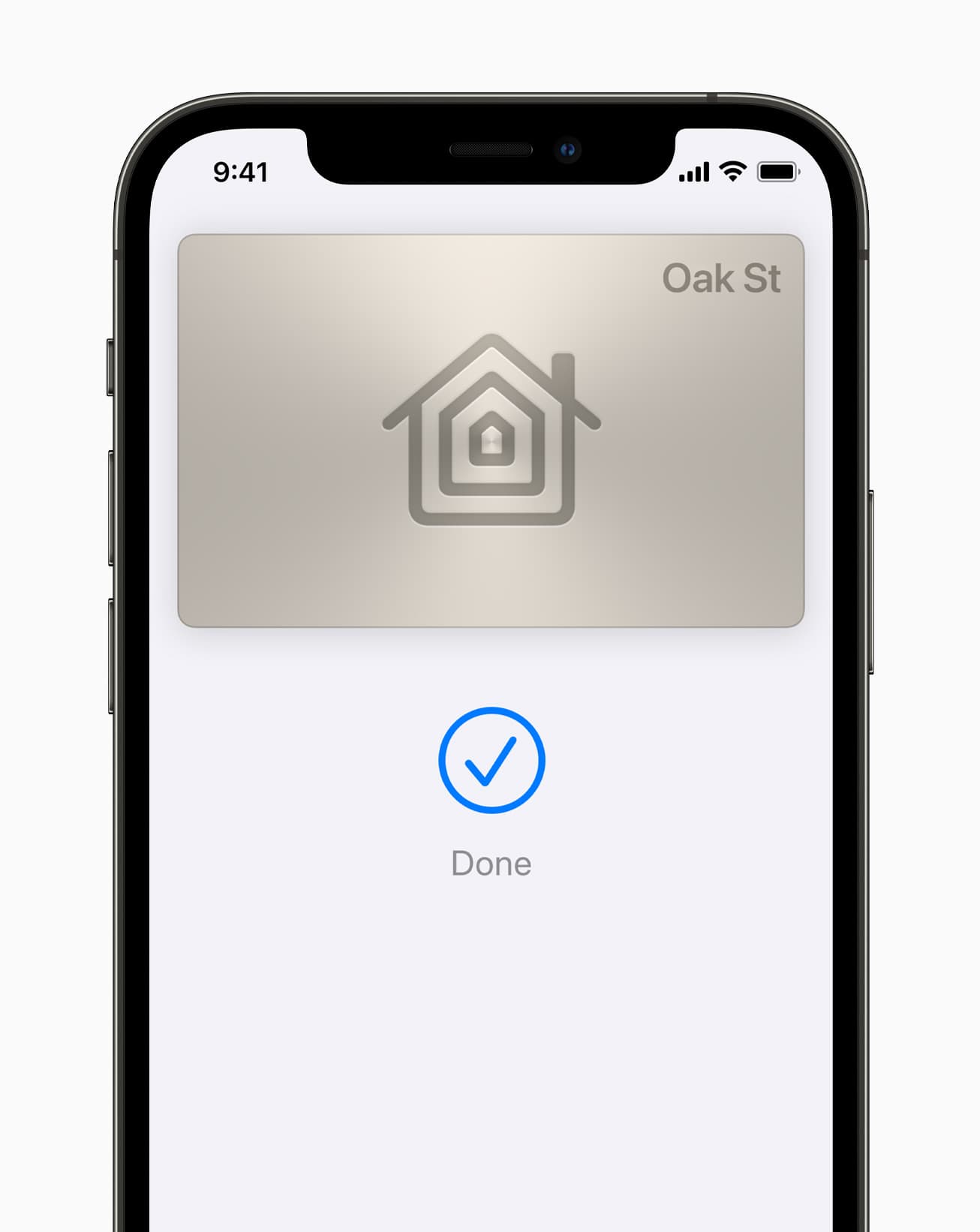
The smart lock market has quietly crossed a threshold. What used to require a Bluetooth connection, a companion app, and a few seconds of patience has been replaced by something far more seamless: tap your iPhone or Apple Watch on the door, and it unlocks. No app to open. No Bluetooth pairing to wait for. Just a half-second NFC handshake and you're in.
If you've been paying attention to the smart home space, you've probably encountered two systems that deliver this experience: Apple Home Key and Ubiquiti's UniFi Touch Pass. On the surface, they look identical. Both store a credential in Apple Wallet. Both use NFC. Both support Express Mode, meaning the door unlocks even without waking your phone.
A casual observer would assume they're the same technology with different branding.
They're not. Not even close.
Apple Home Key is the consumer-facing solution baked into HomeKit since iOS 15. You buy a compatible smart lock from Schlage, Aqara, or Yale, add it to your home, and your iPhone becomes your house key with no subscription, no recurring fees, and no admin console.
UniFi Touch Pass is Ubiquiti's enterprise access-control credential, designed for offices, commercial buildings, and managed properties. It also lives in Apple Wallet, but it costs money per user, requires centralized administration, and runs on a different provisioning infrastructure.
The question that sparked this deep-dive is simple: if both credentials live in Apple Wallet and both use the same Secure Element chip, why does one cost money and the other doesn't?
The answer takes us deep into the hardware security architecture of your iPhone, the NFC protocols that power tap-to-unlock, and two different philosophies Apple has built for managing access credentials.
The Hardware Foundation: Apple's Secure Element
Before comparing the two systems, we need to understand the hardware that both rely on: Apple's Secure Element (SE).
The Secure Element is an industry-standard certified chip inside your iPhone and Apple Watch that runs a Java Card platform. It's certified by both EMVCo and Common Criteria, and it's the same chip that stores your Apple Pay credentials 1. The SE is a dedicated integrated circuit connected to the main application processor indirectly through the NFC controller. It runs its own platform and maintains its own security boundaries.
This is distinct from the Secure Enclave Processor (SEP), which is part of the main system-on-chip and runs Apple's custom sepOS. As security researcher kormax explains, the SE is a separate certified chip connected to the NFC controller and running a hardened Java Card platform, while the SEP is part of the CPU running a separate OS 2. The Secure Enclave handles biometric data and device-level encryption keys, while the Secure Element handles transaction credentials.
Here's the critical point: both Home Key and Touch Pass store their cryptographic credentials in the Secure Element. An Apple Home Key is a cryptographic credential stored inside the iPhone's Secure Element, the same tamper-resistant chip that protects Apple Pay cards 3. When you tap your phone on either a HomeKit lock or a UniFi reader, the NFC controller routes the communication directly to the SE, which handles the cryptographic transaction without the main processor ever seeing the private keys.
This is what makes both systems fundamentally more secure than a Bluetooth-based smart lock where the phone app talks to the lock over a software connection. With SE-backed NFC credentials, the keys never leave the hardware security boundary. During transactions, the terminal communicates directly with the Secure Element through the NFC controller using an established secure channel 4.
How Apple Home Key Works
The Protocol Stack
Apple Home Key is built on top of two existing Apple protocols:
HomeKit Accessory Protocol (HAP)for provisioning and key managementDigital Car Key/ CCC Digital Key concepts for the NFC authentication transaction
The authentication component runs on the Secure Element and is based on the Car Key protocol, with modifications such as the lack of direct pairing and changes to the key derivation function for multi-reader environments 2. Internally, both systems share a common applet family within the SE.
Provisioning
When you set up a Home Key-compatible lock, such as a Schlage Encode Plus or Aqara U100, the lock joins your HomeKit home via HAP. During this setup, several things happen 5:
- A
Reader Keyis generated for the lock. Only one Reader Key exists per home, shared across all locks in that home. - A
Device Credentialis generated for each iPhone and Apple Watch in the household. Each device creates its own uniquesecp256r1key pair, and the public key is sent to the lock via HAP. - An
Issuer Keyrepresents the home itself. Each person with an iCloud account who is part of the home can enroll their devices.
The NFC Transaction
When you tap your phone on a Home Key lock, this is roughly what happens at the protocol level:
Enhanced Contactless Polling (ECP): during the ISO 14443 polling sequence, the lock transmits a proprietary Apple frame containing the lock's Reader Group Identifier. This helps the phone select the right Home Key before full NFC communication begins 5.Applet Selection: the lock selects the Home Key applet inside the phone's Secure Element. The phone responds with supported applet versions 5.Key Agreement: the phone generates an ephemeral elliptic curve key pair and sends its public key to the lock. Both parties derive encryption keys from the exchange 5.Authentication: the lock decrypts the phone's response, checks for a matching Device Credential, and verifies the cryptographic signature. If valid, the lock opens 5.Visual Confirmation: the phone displays a success or error animation.
Protocol based on the Digital Car Key spec.
Express Mode
By default, Home Key works in Express Mode. You don't need to authenticate with Face ID or even wake your phone. Keys in Express Mode interact with accepting terminals without Face ID, Touch ID, passcode authentication, or double-clicking the side button on Apple Watch 4.
The NFC transaction happens entirely between the Secure Element and the lock, which is why it works even when your iPhone has been dead for up to five hours in power reserve mode 6. One important caveat: power reserve only works when the battery depletes naturally. If you manually power off your iPhone, Express Mode credentials won't be available.
If you disable Express Mode, you'll need to authenticate before the key is presented.
Key Sharing and Management
When you invite someone to your home via the Home app, their devices automatically receive Home Key credentials. The owner can use the Home app to manage invitations and members 7. The key provisioning happens through HAP, the same mechanism HomeKit uses for everything else.
This is the crucial architectural detail: the entire provisioning and management pipeline uses infrastructure Apple already runs as part of the HomeKit ecosystem.
How UniFi Touch Pass Works
A Different Provisioning Model
UniFi Touch Pass takes a fundamentally different approach. Instead of piggybacking on HomeKit's peer-to-peer provisioning, Touch Pass uses Apple's NFC & SE Platform, a separate enterprise-grade infrastructure that Apple opened to third-party developers starting with iOS 18.1 8.
The NFC & SE Platform is Apple's framework for letting authorized developers store credentials in the Secure Element and present them via NFC. It supports in-store payments, car keys, closed-loop transit, corporate badges, student IDs, home keys, hotel keys, loyalty cards, rewards cards, and event tickets 8.
To use this platform, a developer such as Ubiquiti must 1:
- Enter into a commercial agreement with Apple
- Request the NFC & SE Platform entitlement and onboard into Apple Business Register
- Develop a Secure Element applet
- Have that applet undergo a security review
- Deliver the applet to Apple for signing and hosting
- Integrate with a Trusted Service Manager (TSM) for credential personalization
The Provisioning Pipeline
When an admin assigns a Touch Pass to a user, the flow looks like this:
Admin Configuration: in the UniFi Access controller, an administrator assigns a Touch Pass to a user and sends an invitation email or link 9.Wallet Enrollment: the user opens the UniFi Endpoint app, taps "Add to Apple Wallet" or Google Wallet, and confirms. On iOS, an Express Mode window appears 10.Applet Provisioning: Apple downloads the signed applet corresponding to the credential scheme to the user's iPhone and creates a memory partition on the Secure Element for that credential 1.TSM Personalization: the developer's Trusted Service Manager servers personalize the applet instance with the user's keys and account bindings 1.Credential Active: the Touch Pass appears in Apple Wallet and is ready for use 10.
The NFC Transaction
When you tap your phone on a UniFi reader, the reader communicates directly with the Secure Element through the NFC controller. The applet inside the SE handles the authentication transaction. By default, users can unlock doors even if their phone is locked, thanks to Express Mode 9.
Lifecycle Management
Touch Pass credentials can be managed centrally through the UniFi Access controller. An admin can suspend a pass to temporarily disable it, or unbind it from a device so it can be re-bound to a new one 9. If a device is lost, users can use Find My to suspend or deactivate their Touch Pass 10. A single Touch Pass can be used on both an iPhone and an Apple Watch, provided both devices are signed into the same iCloud account 9.
Architecture Comparison
| Area | Home Key | Touch Pass |
|---|---|---|
| Provisioned via | HomeKit / HAP | NFC & SE Platform |
| Key generation | On-device, shared via HAP | Server-personalized via TSM |
| Apple server role | Minimal, mostly iCloud sync | Active applet download and SE partitioning |
| Admin required | No | Yes |
| Credential delivery | Automatic when joining a home | Invitation link and wallet enrollment |
| Secure Element | Yes | Yes |
| Express Mode | Yes 4 | Yes 10 |
| Reader hardware | HomeKit-certified NFC locks | UniFi G3 readers and intercoms 911 |
| Management model | Consumer / Home app | Enterprise / UniFi Access controller |
| Scale | Residential | Multi-site and enterprise |
Why One Is Free and the Other Costs Money
This is the question that sparked the entire deep-dive. The answer lies in the provisioning architecture.
Home Key: Riding the HomeKit Rails
Home Key's provisioning is effectively free because it uses infrastructure Apple already provides:
HAPhandles key exchange between Apple devices and the lockiCloudsyncs HomeKit configuration across devices- The Secure Element applet for Home Key is Apple's own and is already part of the platform
The lock manufacturer pays for MFi certification and bakes that cost into the retail price of the lock. In practice, Apple HomeKit does not require an ongoing subscription from consumers. You pay for the lock once, and after that there are no additional recurring fees for the Home Key experience.
Touch Pass: Paying for Enterprise Infrastructure
Touch Pass costs money because every credential touches Apple's managed infrastructure:
- Apple signs and hosts the applet on its servers 1
- Apple creates Secure Element memory partitions for each credential 1
- TSM integration requires ongoing server-to-server communication 1
- Ubiquiti runs controller and cloud infrastructure for credential lifecycle management
On top of that, Apple requires commercial agreements, security review, and ongoing compliance for NFC & SE Platform participants 8.
The practical result is that Touch Pass carries an operational cost model that Home Key does not.
The Analogy
Think of it this way:
Home Keyis like SSH key-based authentication. You generate keys locally, exchange public keys with the server, and authenticate directly.Touch Passis like a managed PKI. A central authority issues, signs, and manages each credential individually.
Both are secure. Both use the same underlying hardware. But the operational model and infrastructure requirements are fundamentally different.
Which One Should You Choose?
This isn't really an either-or decision. The two systems serve different use cases.
Choose Home Key If
- You're securing a residential property
- You want a zero-recurring-cost solution after buying the lock
- Your household already runs on Apple devices and HomeKit
- You need simple sharing with family members
- You want the simplest possible setup
Choose UniFi Touch Pass If
- You're securing a commercial space
- You need centralized control over who has access to which doors
- You manage many users across multiple locations
- You need enterprise audit trails and compliance reporting
- You're already running UniFi Access infrastructure
- You need to support both iOS and Android users 10
The Overlap Zone
There is a growing gray area for multi-family residential and small commercial applications. If you're a landlord managing a small apartment building, Home Key might be sufficient, but you'll need to manage each unit's HomeKit home separately. Touch Pass gives you centralized control, but adds per-user cost.
The Bigger Picture: Apple's Access Credential Strategy
What's fascinating about this landscape is that Apple has created two parallel paths for the same fundamental capability:
- The
HomeKitpath: free, consumer-oriented, peer-to-peer provisioning, limited to Apple's ecosystem - The
NFC & SE Platformpath: paid, enterprise-oriented, server-mediated provisioning, open to third-party developers
With iOS 18.1, Apple opened the NFC & SE Platform to third-party developers for the first time 8. That move arrived alongside broader pressure to open NFC access on iPhone, but the SE-based platform remains a distinct technical model from software-based NFC approaches.
For smart home enthusiasts, the practical takeaway is simple: Home Key gives you the security of the Secure Element without the enterprise overhead. If you have a compatible lock and an iPhone, there's little reason not to use it.
And if you've ever wondered why Home Key feels instantaneous while many other smart lock systems feel sluggish, now you know. It's not going through an app, not routing through Bluetooth, and not waiting on a cloud round trip. It's a direct, hardware-backed cryptographic handshake between the Secure Element in your phone and the NFC reader in your lock.
References
- Apple Developer: NFC & SE Platform for Secure Contactless Transactions
- kormax: Reverse Engineering Apple Home Key
- SmartHome724: Decoding the Apple Home Key Lock
- Apple Platform Security: Access Using Apple Wallet
- kupa22: Apple Home Key Protocol Research
- WAV Online / Ubiquiti: UniFi Touch Pass
- Apple Platform Security: Access Credential Types
- Apple Newsroom: Developers Can Soon Offer In-App NFC Transactions Using the Secure Element
- Ubiquiti Help Center: Configuring Touch Pass in UniFi Access
- Ubiquiti Help Center: Unlocking Doors with Touch Pass in UniFi Access
- Westbase.io: UniFi G3 Readers and Touch Pass for UniFi Access